Making Copilot work at scale: adoption, value and human judgment
At work, GitHub Copilot is available to 2,000+ engineers. We are past the rollout, and now the work is adoption, champions and measuring value. I also built a small tool to pull Copilot usage metrics. So at GitHub Universe ’26 I went to the sessions that ask the same questions I ask every week:
- How do you get people to really use it, not only have a license?
- How do you show the value, beyond “hours saved”?
- Where do humans stay, when agents do more and more of the work?
Here is what I learned from the speakers. The sessions are linked at the end.
TL;DR
- Access is not adoption. Invest in habits, training and champions.
- Measure how people use AI and what it brings, not only how much they use it.
- Fix the foundations first. AI scales what you already have.
- Build one governed path, not a parallel AI stack.
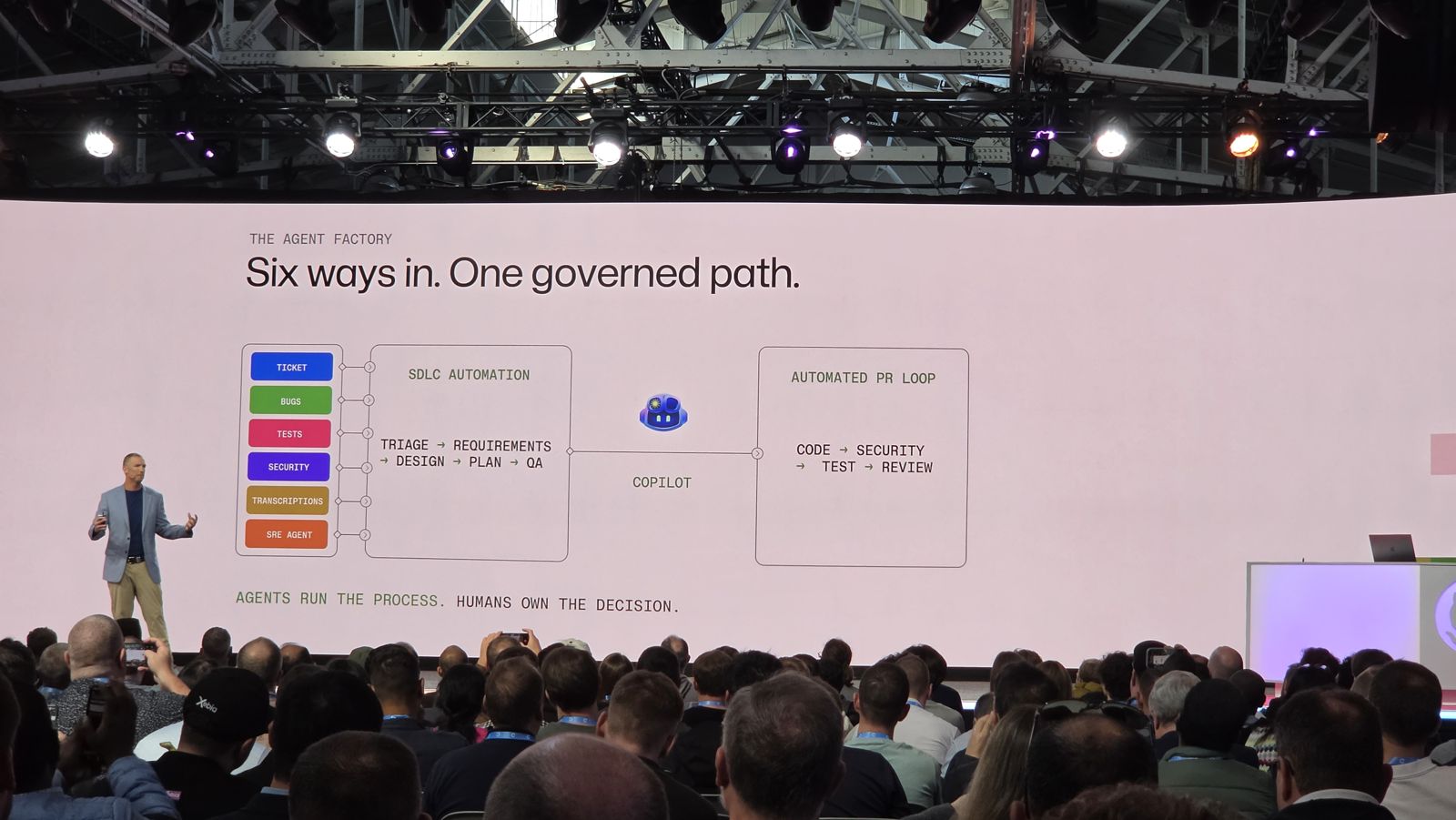
- Agents run the process. Humans own the decision.
Two slides set the tone.
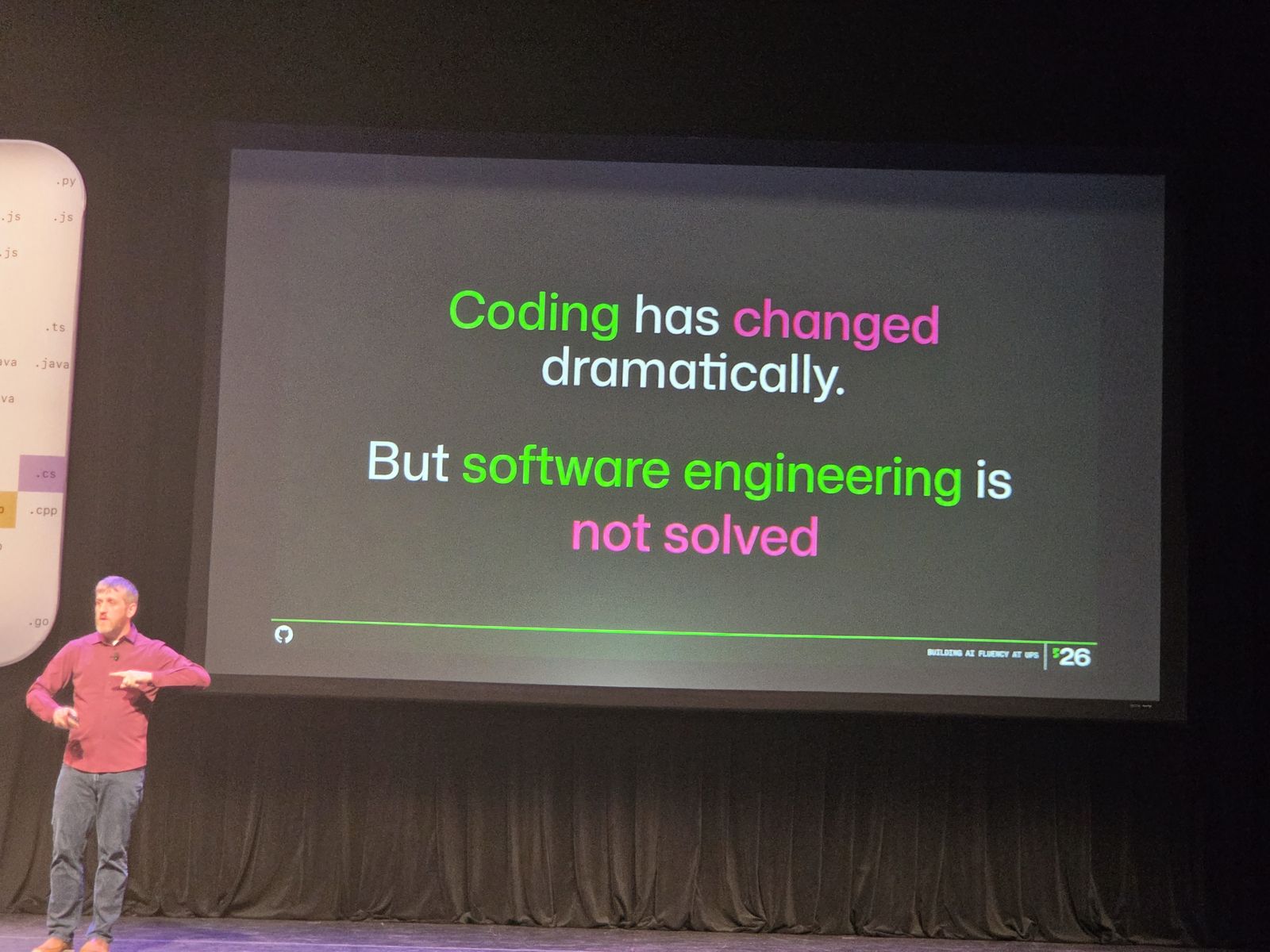
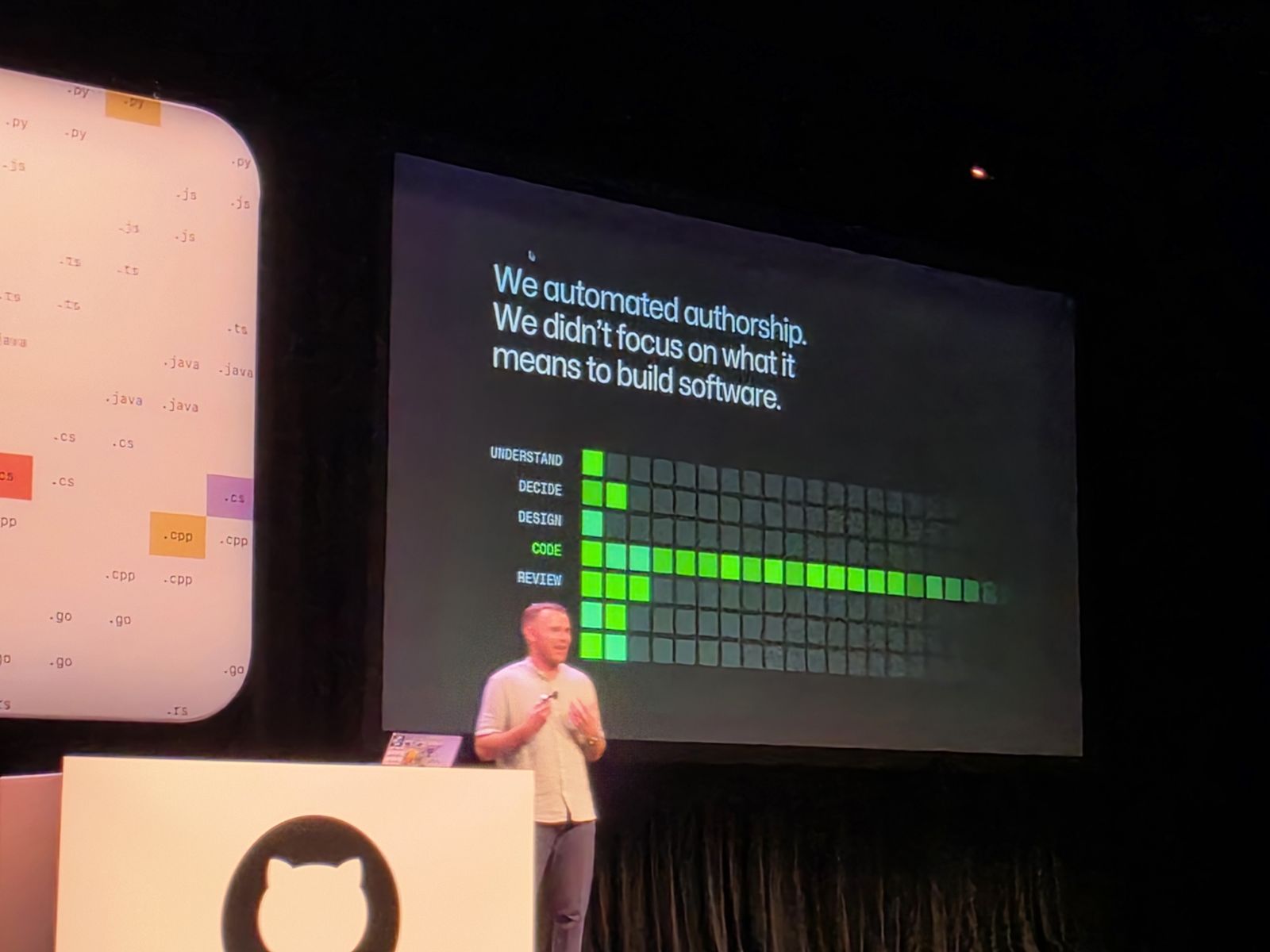
AI made writing code fast. But writing code was never the whole job.
1. Access is not adoption
In the Beyond “hours saved” session, ING said it very clearly. They gave out thousands of licenses, and active usage stayed low. Access was not the problem. Habits were. Usage grew only after they added training programs, workshops, better documentation, a certification program and a community of champions who help their peers.
Their three takeaways:
- Measure adoption and impact, and let the data guide your rollout.
- Invest in sustained adoption (training and peer support), not only in distribution.
- Give licenses to people who do the actual engineering work.
Find your innovators and move them. Jared Hatfield from UPS talked about people who had their “light bulb moment”. They can be junior or senior. UPS moves them on purpose into other teams, to plant the seed, and then gives it time to grow. You cannot find them in the data alone: when UPS interviewed the people who used the most AI credits, only about half were real innovators. The others were just using a lot of credits.
Opinions move slower than the technology. Jared also explained that many people try AI once, form an opinion, and never update it. The technology improves exponentially, opinions change linearly. People need a push out of their comfort zone, for example with innovation sprints that are part of the normal way of working.
Know where people are. GitHub showed four phases of adoption: chat only, IDE completions and edits, agentic work, and multi-agent work (cloud agent, CLI, code review, the Copilot app). About 70% of developers are still in the first two phases. Throughput is much higher in the later ones, so the work is to help people move up.
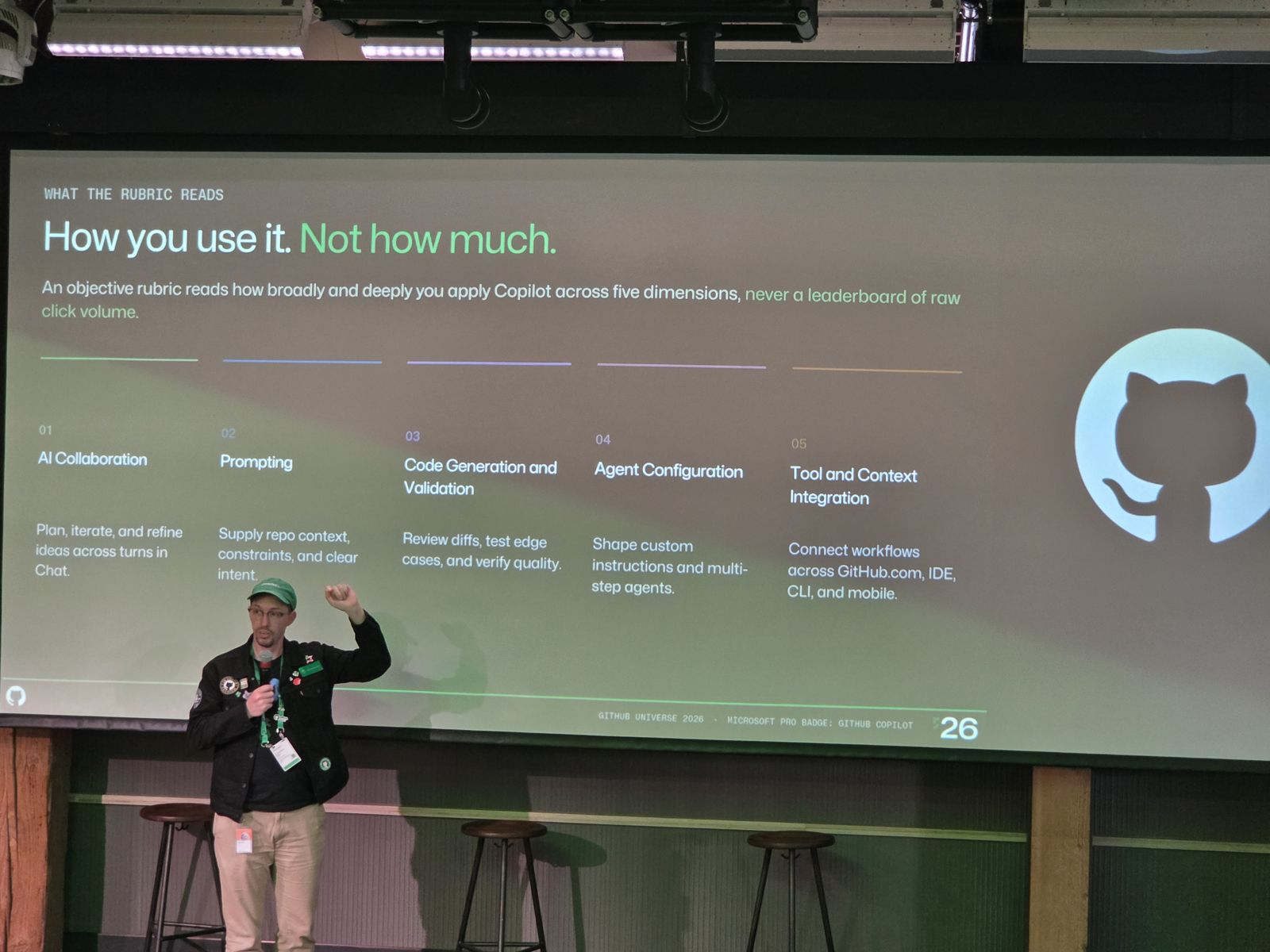
Training is not a one-time video. Christopher Harrison (GitHub) said it well: Copilot is a tool, it needs a new skill set, and training must be constant, not a couple of videos. The new Copilot proficiency badge follows the same idea: it measures how you use Copilot, not how much.
2. Measuring value
Every company wants one magic number. Nobody had one.
Metrics you fixate on will backfire. Jared said UPS tracked the ratio of agent-written to human-written lines of code for a while, then moved on. Someone in the audience shared that they measured merged pull requests, and the result was huge pull requests, which made reviews and testing slower.
Ask three questions, in this order. A speaker in the Beyond “hours saved” session used this structure:
- Is AI used, and is it helpful? This tells you where to invest your adoption effort.
- Does it make us faster? Look at feature cycle time, and at the time from an incident to its fix. Keep an eye on quality.
- Is the value worth the cost? Connect what you spend on each stage of delivery to what the feature brings to the business.
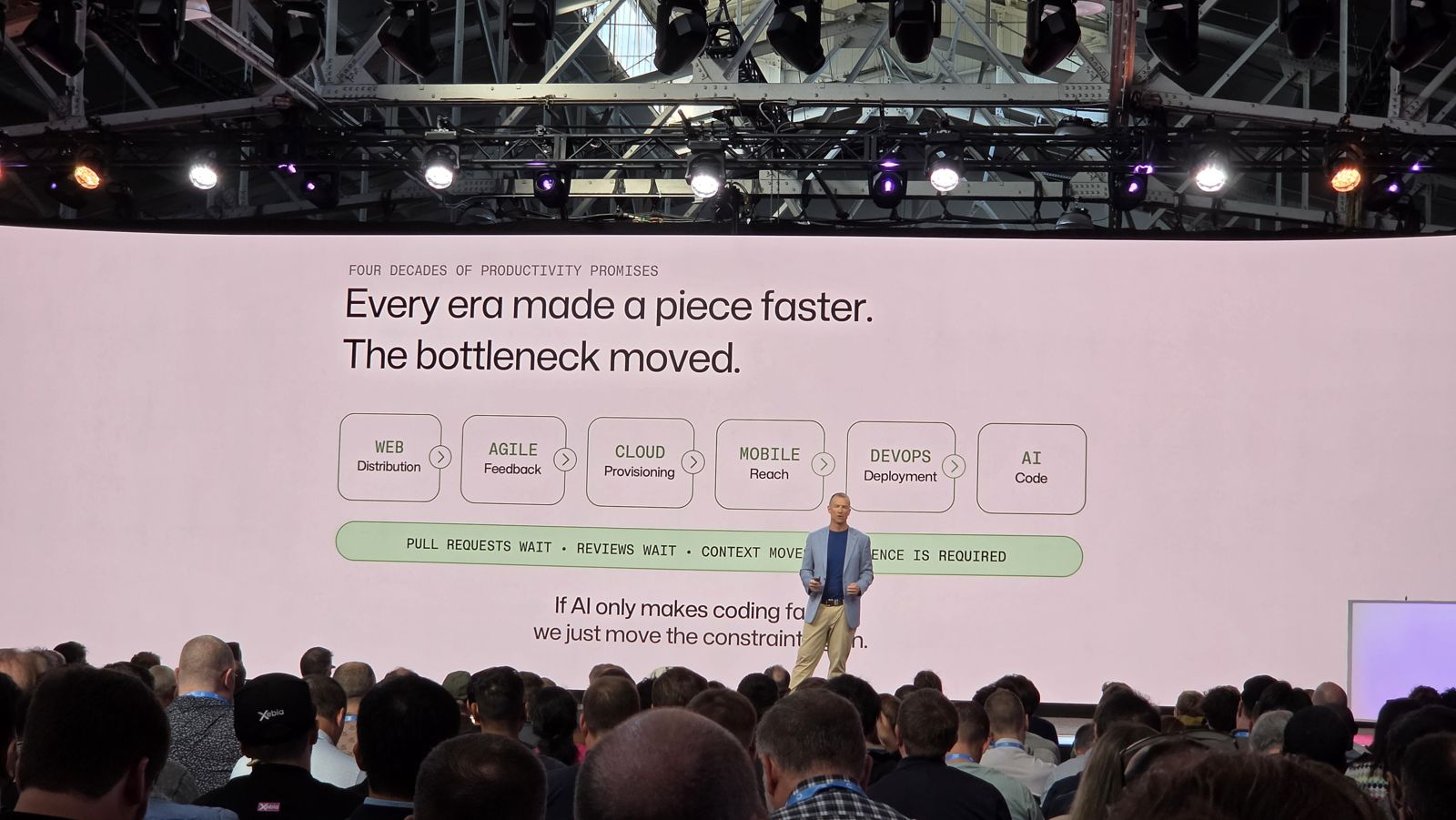
The bottleneck moves. Paul Snider (Provation) showed it on a slide: every era made one piece faster: the web, agile, cloud, mobile, DevOps, and now AI for code. If AI only makes coding faster, pull requests wait, reviews wait, and the constraint just moves.
Start with lighthouse cases. One example: a legacy component in a warehouse failed during the World Cup, and the company could not ship. They rebuilt it with AI in a few days. In the speaker’s words: “Invest thousands to unblock millions.” Cases like this make the value easy to explain, and later they become the normal way of working.
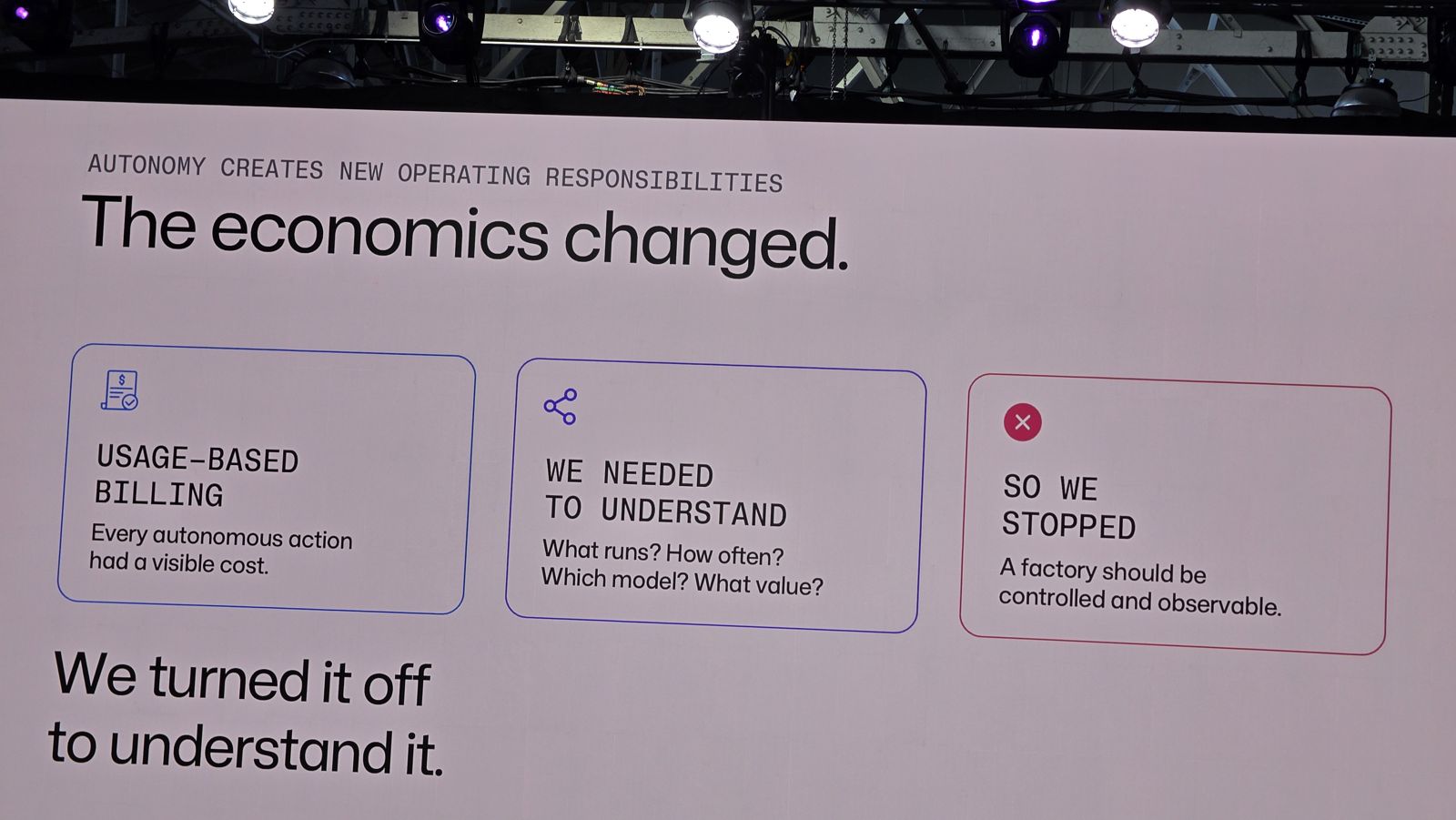
Usage has a cost now, so show it. With usage-based billing, every autonomous action has a visible cost. Paul Snider (Provation) said they turned their agent factory off for a while to understand what runs, how often, with which model, and for what value. Another speaker said that simply showing people the cost of their AI use changed their behavior. Smaller wins add up too: route tasks to the right model, batch work that is not urgent, and set a sensible default model so people do not stay on the most expensive one for small tasks.
Before building a big framework, talk to your developers. This one came from Christopher Harrison too. Ask what blocks them, fix it, then check again. For the numbers, compare similar teams, and compare before and after.
3. Foundations first
A message I heard in almost every session: AI scales what you already have. If your processes, documentation and governance are weak, AI scales the problems, and the team pays later with more reviews and rework. The closing keynote put it simply: teams that do DevOps well are the best equipped to take advantage of AI. And because AI produces more code, your CI and quality checks must be stronger than before, not weaker.
Treat your context as infrastructure. In his session of the same name, Christopher Harrison gave a simple way to explain the building blocks:
- Instructions are the specs: your coding standards.
- Skills are the tools: tasks you want done the same way every time.
- Custom agents are the contractors: their own context and a limited set of tools.
- MCP servers are the outside inspector: access to external systems, with their own credentials.
Package them as plugins, share them through a marketplace (it is just a repository), and govern them centrally: approved MCP servers only, approved plugins, a default model.
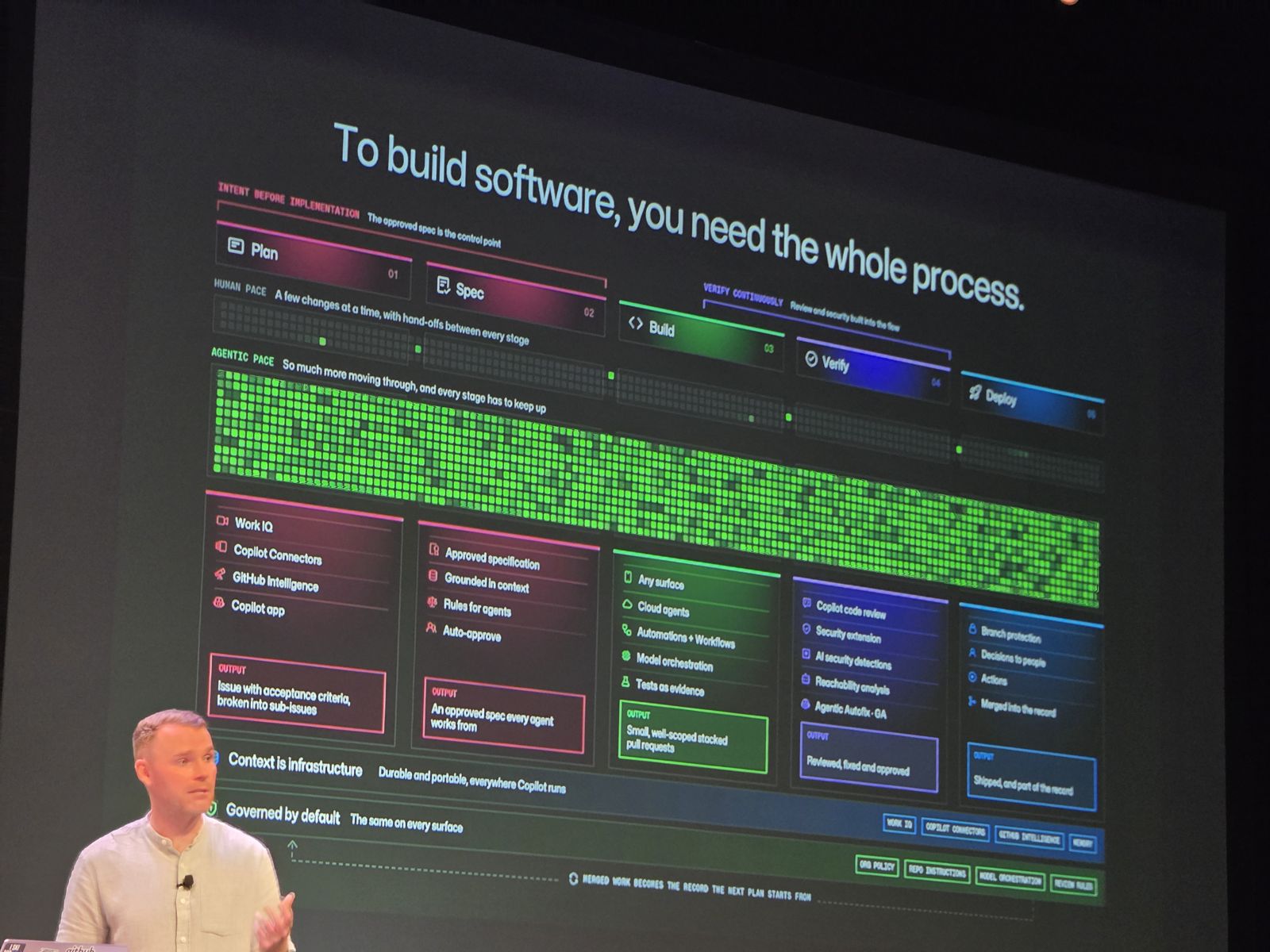
The “Agentic engineering past the pilot” session ended with seven steps that fit here: start with an outcome, not a tool. Connect your context. Get into the habit of approving intent. Govern centrally. Use cloud agents. Embed AI in verification. Scale through automation.
4. From fixing repositories to building a factory
Tim Mason showed how Marks and Spencer runs agentic workflows: a catalogue of approved workflows (partly adapted from Peli’s Agent Factory at GitHub Next), deployed with one click, arriving in a repository as a pull request that can be reviewed and reverted. Under 30 seconds, no onboarding needed. Behind the click: versioned updates, central telemetry, and short-lived tokens instead of personal access tokens.
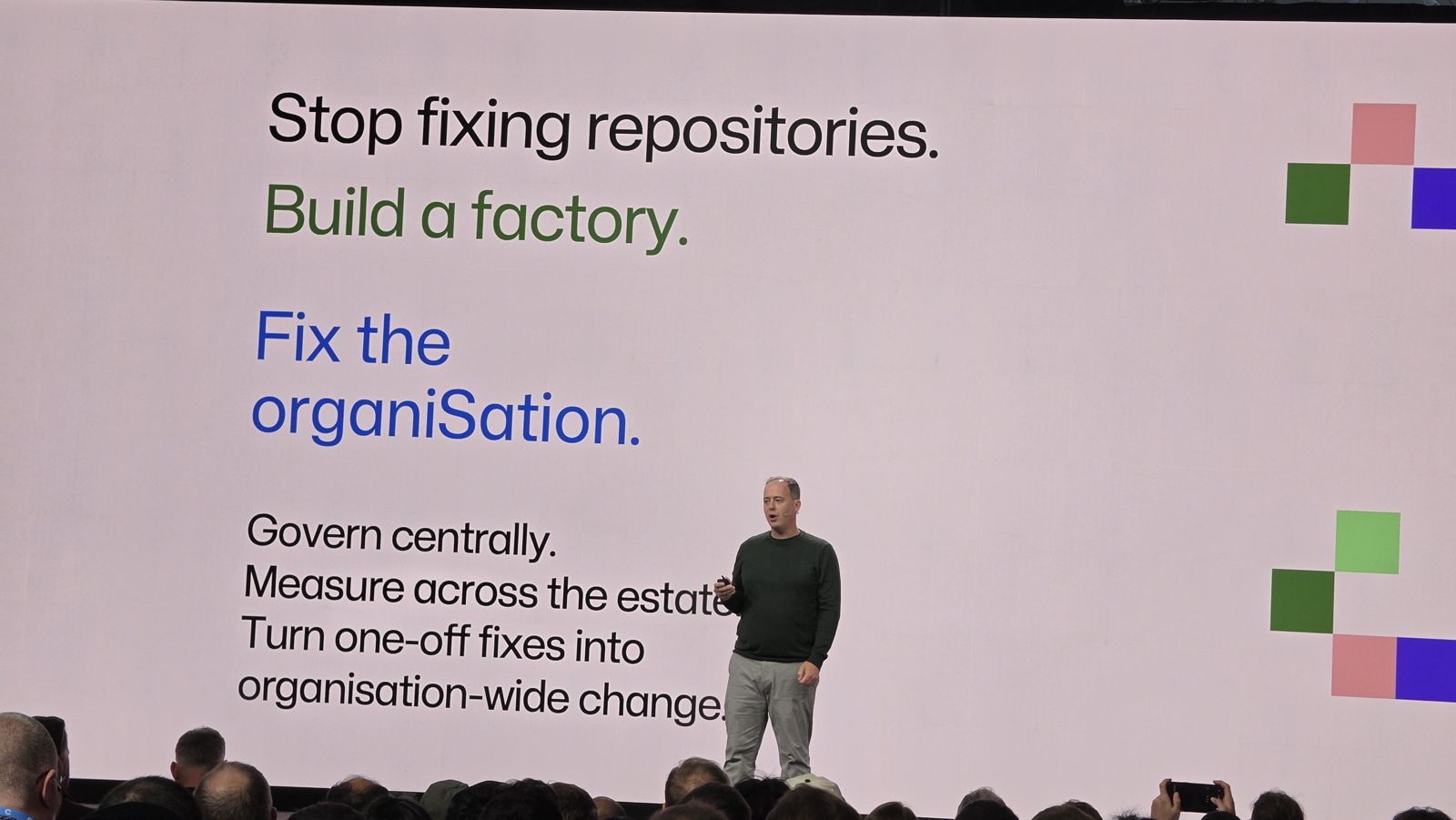
Paul Snider showed the same idea at Provation. They did not start with an agent factory. They started with a trusted developer setup (MCP servers, skills, agents, context), then moved it to GitHub Agentic Workflows on GitHub Actions. Same setup, same controls, now automated. “Lift what already works. Don’t create a parallel AI stack.”
The same pattern applies to legacy code. The partner panel described using agents to sort and modernize technical debt, and to cut the time of large migrations, by finding reusable parts first.
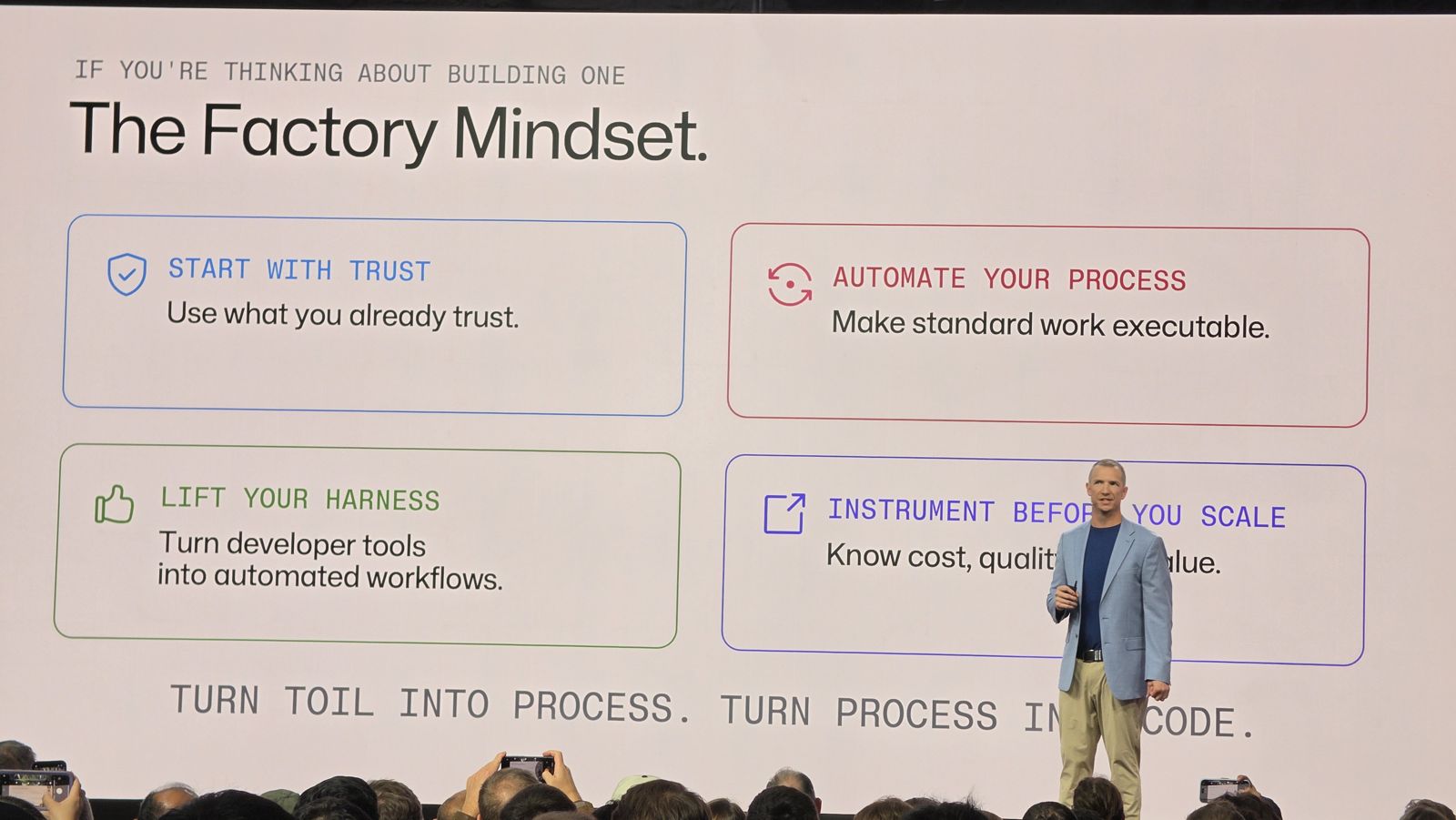
As Paul Snider put it: “Turn toil into process. Turn process into code.”
5. Agents run the process, humans own the decision
This was the line I heard most, in different words:
- “Agents run the process. Humans own the decision.” (Provation)
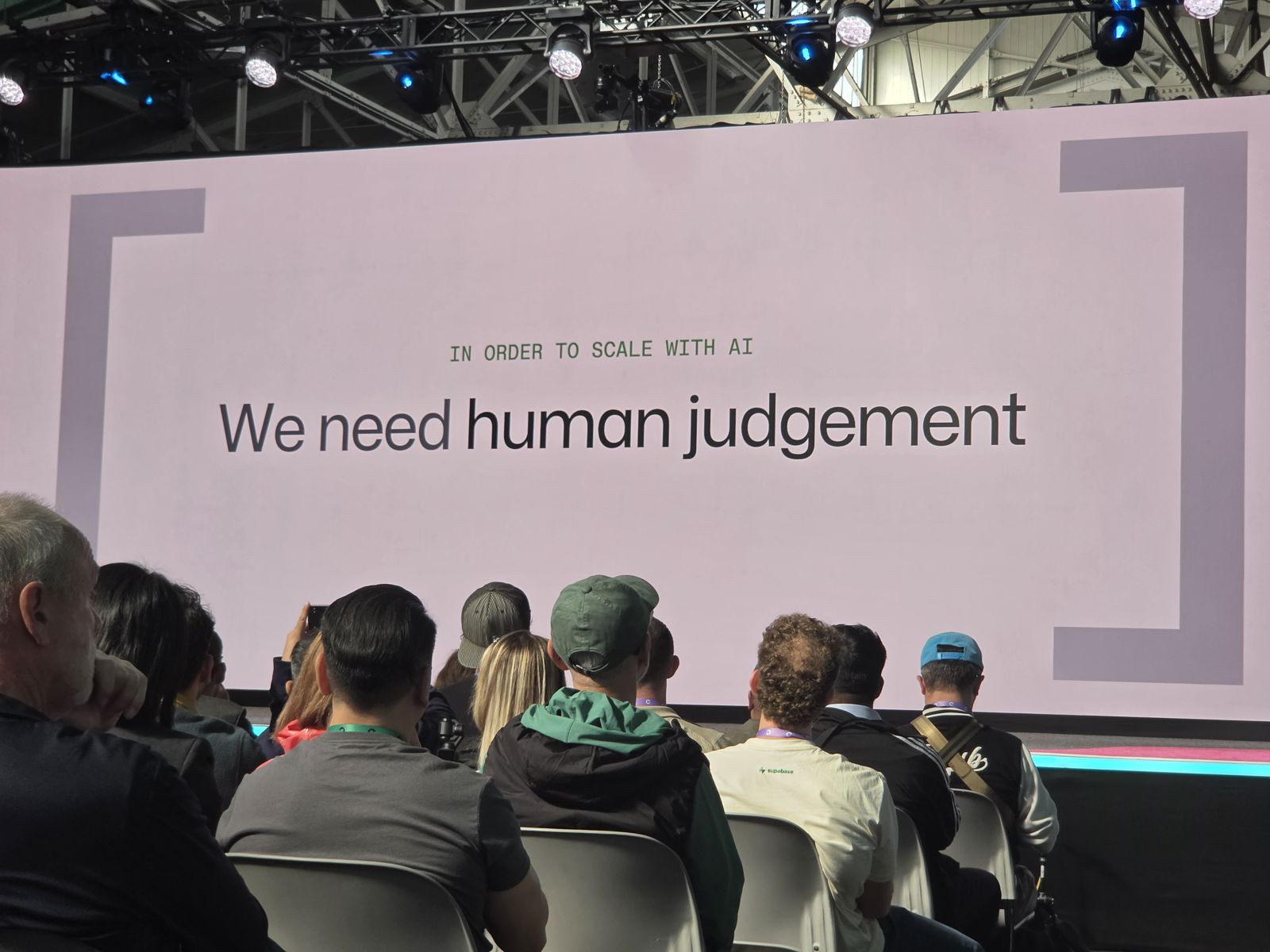
- “In order to scale with AI, we need human judgement.” (closing keynote)
- In Christopher Harrison’s session: shared automations can triage, fix, validate and open a pull request on their own, but a human still reviews it at the end.
The human part is also about people growing. The partner panel at GitHub HQ made this point: juniors are not replaced by AI. They need to work with seniors to build the judgment that AI cannot give them. Leaders need to leave time in the schedule to learn, because nobody is 10x faster while learning a new tool. And people need a safe place to try things and fail.
The closing keynote said: “Culture is what happens when no one is looking.” No dashboard measures that.
Sessions I learned from
- The factory mindset: agentic workflows in production (main stage), with Tim Mason (Marks and Spencer), Paul Snider (Provation / Fortive) and Peli de Halleux (GitHub Next)
- Building AI fluency at UPS, with Jared Hatfield (UPS)
- Treat your AI context as infrastructure, with Christopher Harrison (GitHub)
- Agentic engineering past the pilot: an enterprise playbook, with Nick Liffen and Philip Holleran
- Beyond “hours saved”, with ING and GitHub
- The closing keynote
- Partner panel on engineering transformation and AI adoption (Day of Learning at GitHub HQ), with partners Carrol Chang, Tony Hinkley and Dennis Thie, moderated by GitHub
Thanks to all the speakers for sharing their experience so openly.
Learn, then teach. I will share what works in our own adoption journey here.