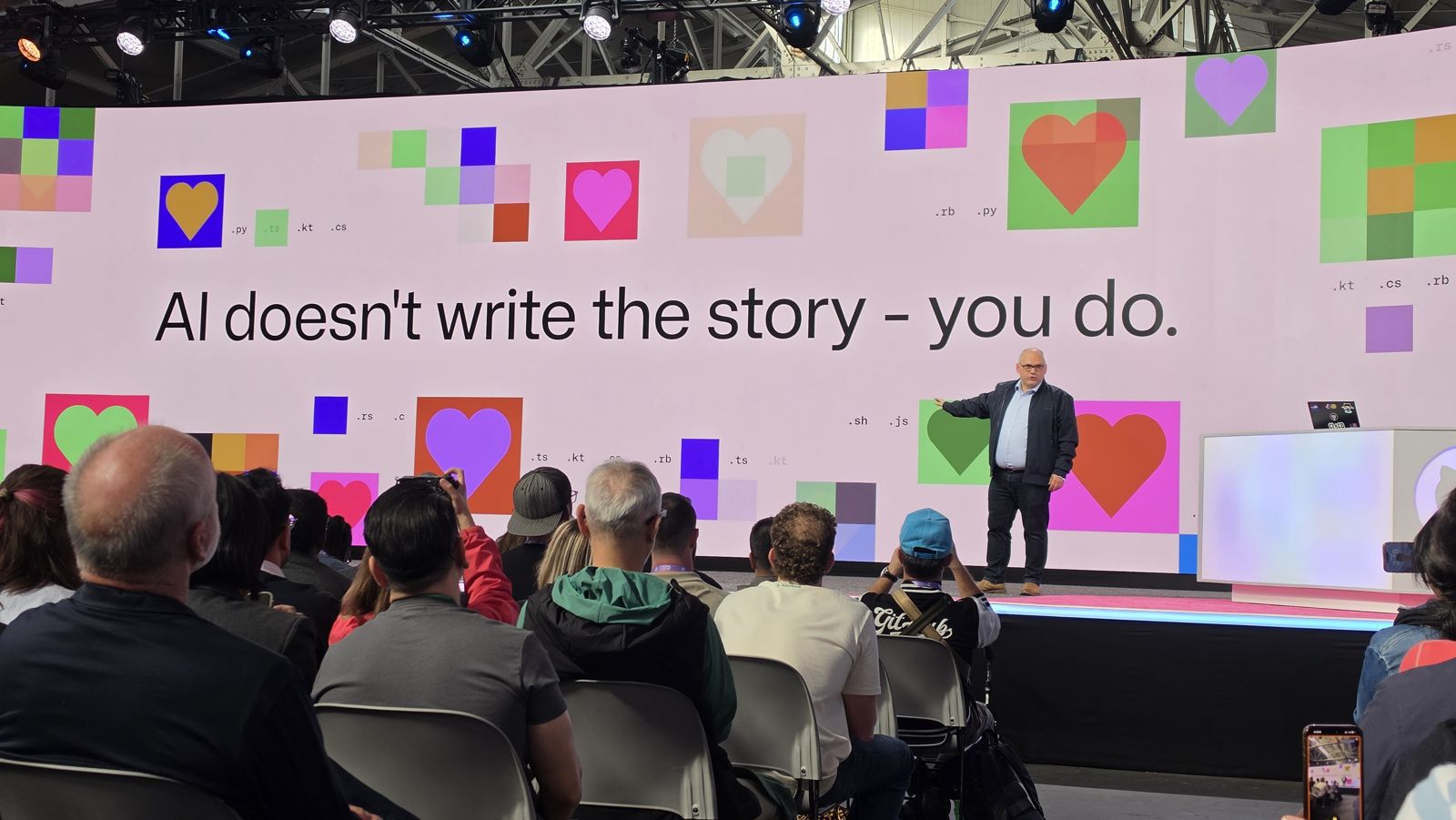
GitHub Universe '26
This week I was in San Francisco for GitHub Universe ’26. Two days of keynotes and sessions, and one extra day of learning at GitHub HQ.
At work, GitHub Copilot is available to 2,000+ engineers, and our focus now is adoption, champions and measuring value. I wrote what I learned about that in a separate post: Making Copilot work at scale: adoption, value and human judgment. This one is the recap.
The venue and the vibe were great, but the best part was the people. I finally met, in person, folks from GitHub and from partners like Xebia that I had only worked with online. Among them Rob Bos and Anton Sizikov.
It was also a great chance to talk to the people behind GitHub: product owners, engineers and experts, and to share feedback directly. One small thing I mentioned that has been bothering me: when Copilot asks you to pick an option, the choices appear in the chat input box while you are still writing. I find it easier when they show up in the conversation, like in the Claude app.
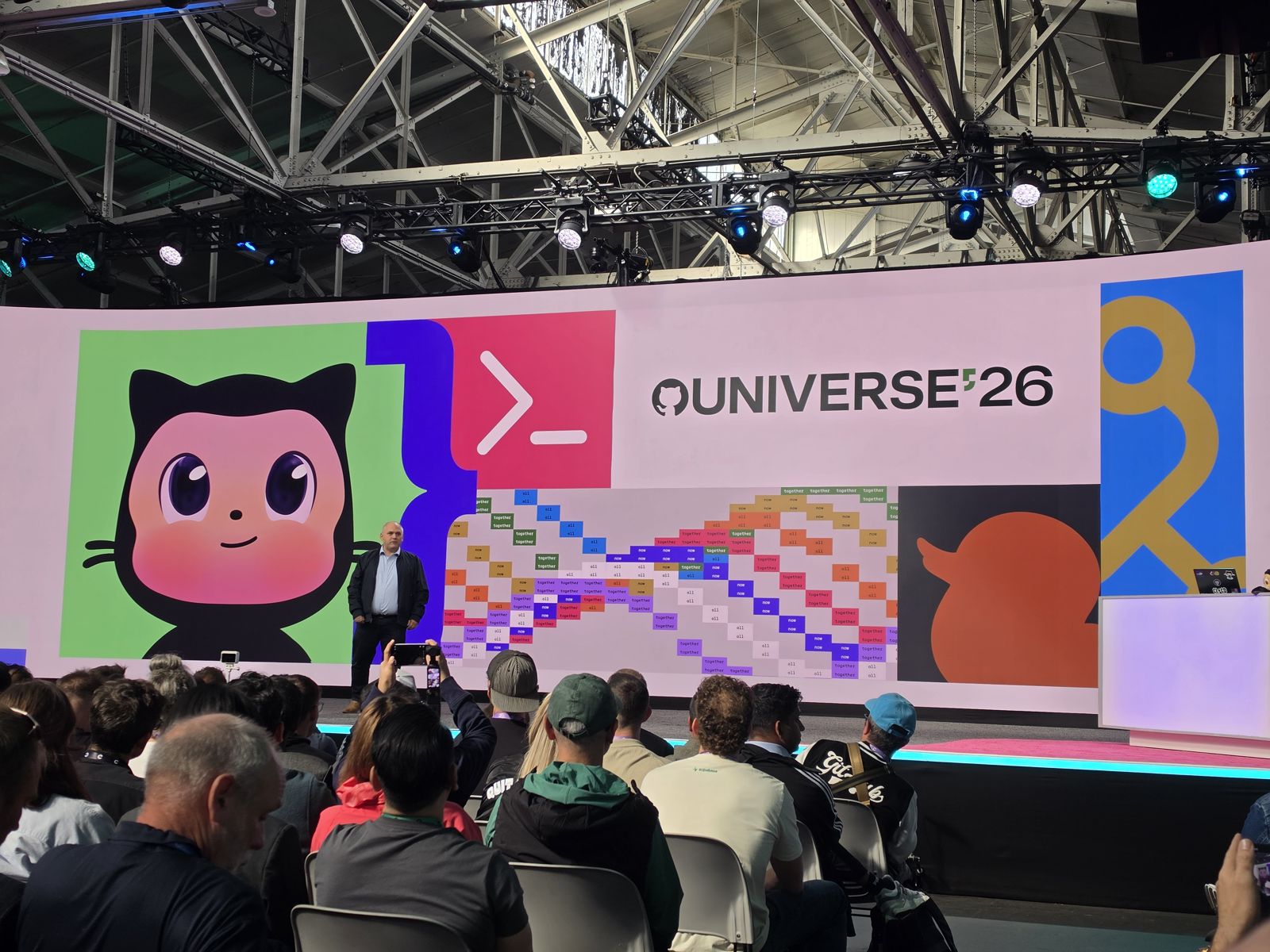
What GitHub announced
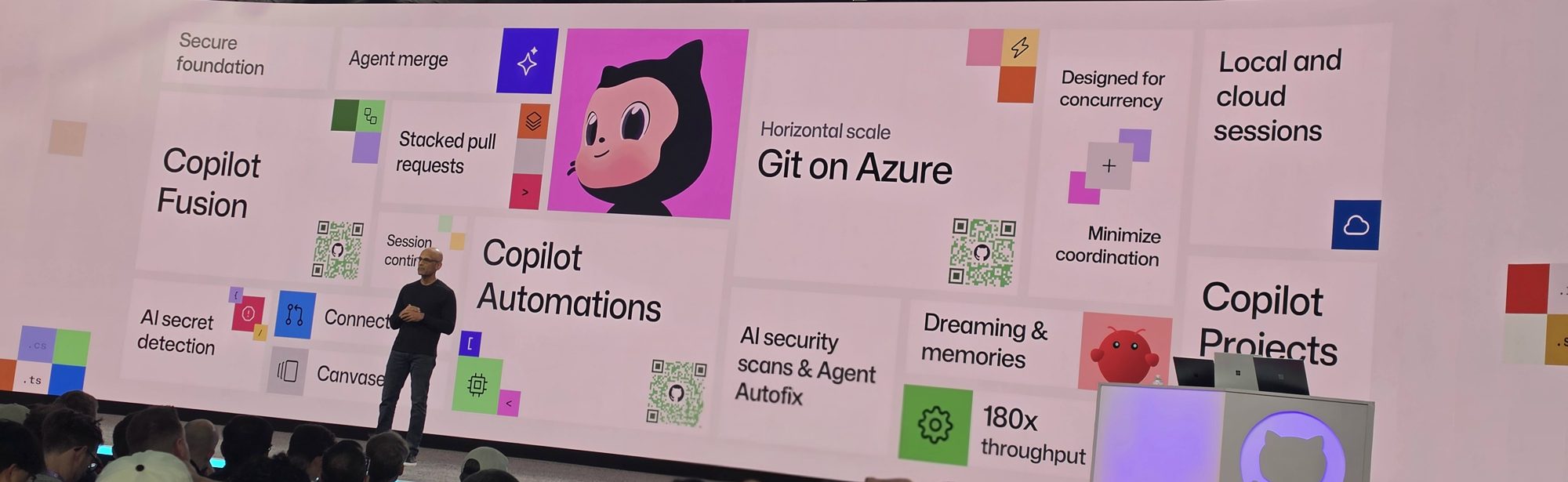
- GitHub Enterprise and GitHub Copilot on the same license. Enterprise customers get all Copilot features without a separate subscription and pay for the AI credits they use. Everything now runs on AI credit consumption.
- Copilot Fusion. You choose an effort level, and Copilot picks and combines the models for each step of the task. At the keynote, GitHub announced 30% off through November 30.
- Copilot code review Max. A deeper review mode for the most serious issues.
- Agent merge. Copilot watches a pull request and fixes what blocks the merge: review comments, failing CI and conflicts. Then it can merge.
- Dreaming and memories. Copilot remembers facts about your repository. A background “dreaming” job keeps those memories and your instruction files up to date, and proposes changes as pull requests.
- Stacked pull requests. Split a big change into small dependent pull requests that are reviewed one by one.
- Copilot Automations and Copilot Projects, in the GitHub Copilot app. Automations are agents that start on an event (a new issue, a failed run). Projects let agents work across several repositories at once.
- Local and cloud sessions. A session can move between the Copilot app, VS Code, the CLI and the web.
- AI security. AI secret detection, AI security scans and Agent Autofix.
- Git on Azure. GitHub redesigned the storage behind Git, because agents now create commits and pull requests at a scale people never did. The slide showed 180x throughput. GitHub’s engineering post has the details.
The license change matters for any company that uses Copilot at scale. Copilot is no longer an extra product next to GitHub Enterprise. It is part of it, and you pay for what you use. That makes the question “what value do we get for the credits we spend?” even more important.
GitHub Next also showed research projects. Chopin is a shared planning space where teammates chat and write a plan together, while Copilot listens, does research and asks for clarifications. Another one turns an interactive whiteboard-style dashboard on GitHub Pages into tasks on a board. Both are early prototypes.
A day of learning at GitHub HQ
My ticket included a Day of Learning at GitHub HQ: sessions, a partner panel, a team game challenge built with Copilot, and a tour (yes, the Octocat portrait in the library is real). Our team, Mona ConFusion, finished third in the challenge. The name plays on conference and Copilot Fusion, and on our game: a chaotic mix of many games in one.
The GitHub Copilot proficiency badge
GitHub and Microsoft launched a new credential: the Microsoft Pro Badge: GitHub Copilot. It was previewed at Microsoft Build and is now generally available on GitHub Learn.
What I like: it does not count how much you use Copilot. It looks at how you use it, across five areas: AI collaboration, prompting, code generation and validation, agent configuration, and tool and context integration. You opt in on GitHub Learn, keep working, and your level (Beginner to Advanced, Expert is coming) builds from your real usage.
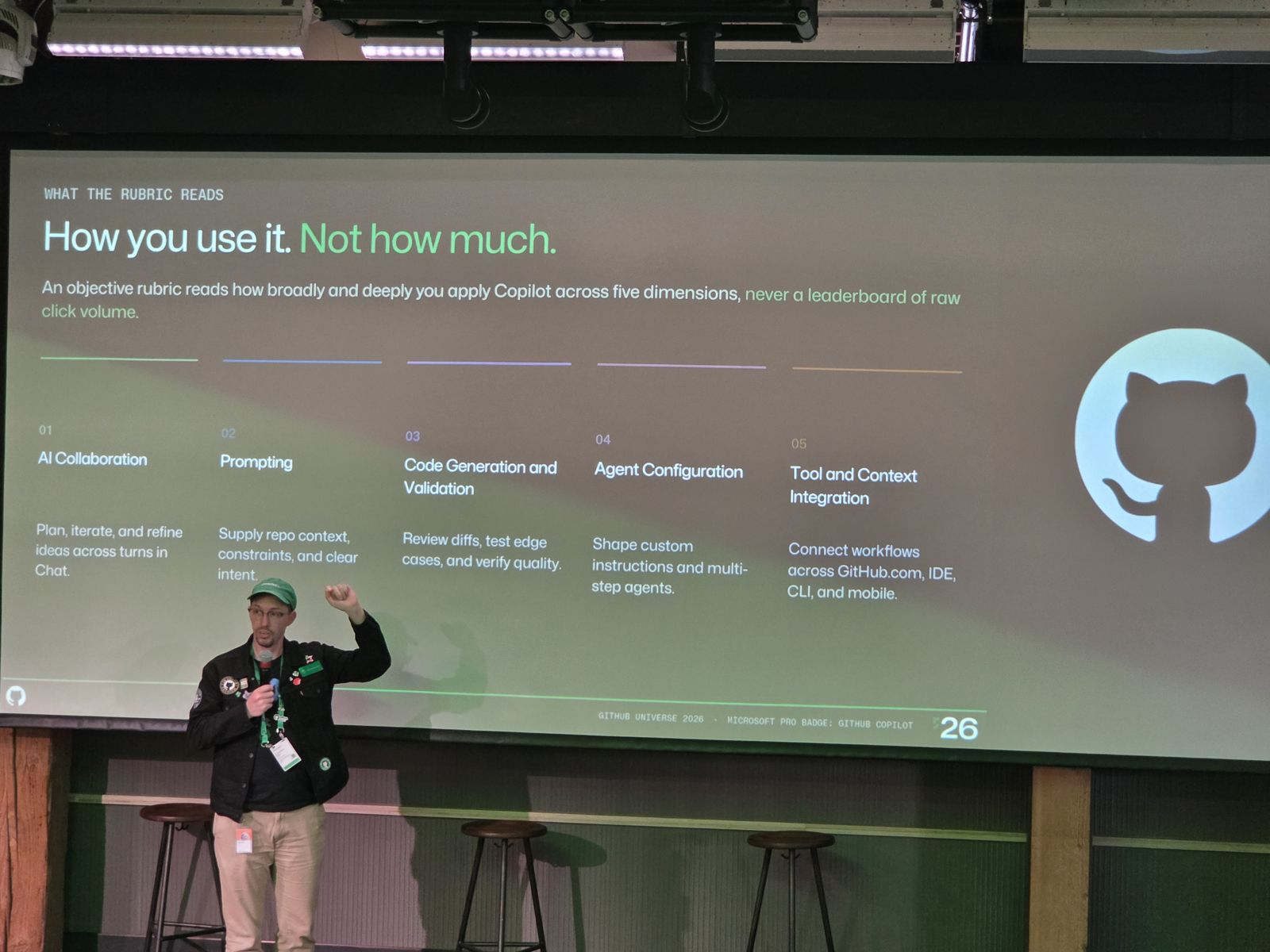
A few things I learned from Tiffany Powell and Christopher Blake, who presented the badge:
- It works only with personal GitHub accounts for now. Support for Enterprise Managed Users is coming, but it is hard: people could link an account to get the badge, then move it somewhere else.
- Your level stays for six months, but it is not forever. If you use Copilot less, it can go down. Copilot changes fast, so this makes sense.
- The evaluation looks at roughly the last 28 days.
I opted in and got my level: “None”. I have Copilot Pro on my personal account, but I mostly use Copilot with my company license, so there was little data to evaluate. The team explained that this is what happens when there is no data to look at.
What I’m taking home
Exciting features, but the lessons matter more: how to drive AI adoption in the enterprise, how to measure the value it adds, and how to keep a sane system that uses AI efficiently and scales. I wrote them in the second post.
Swag
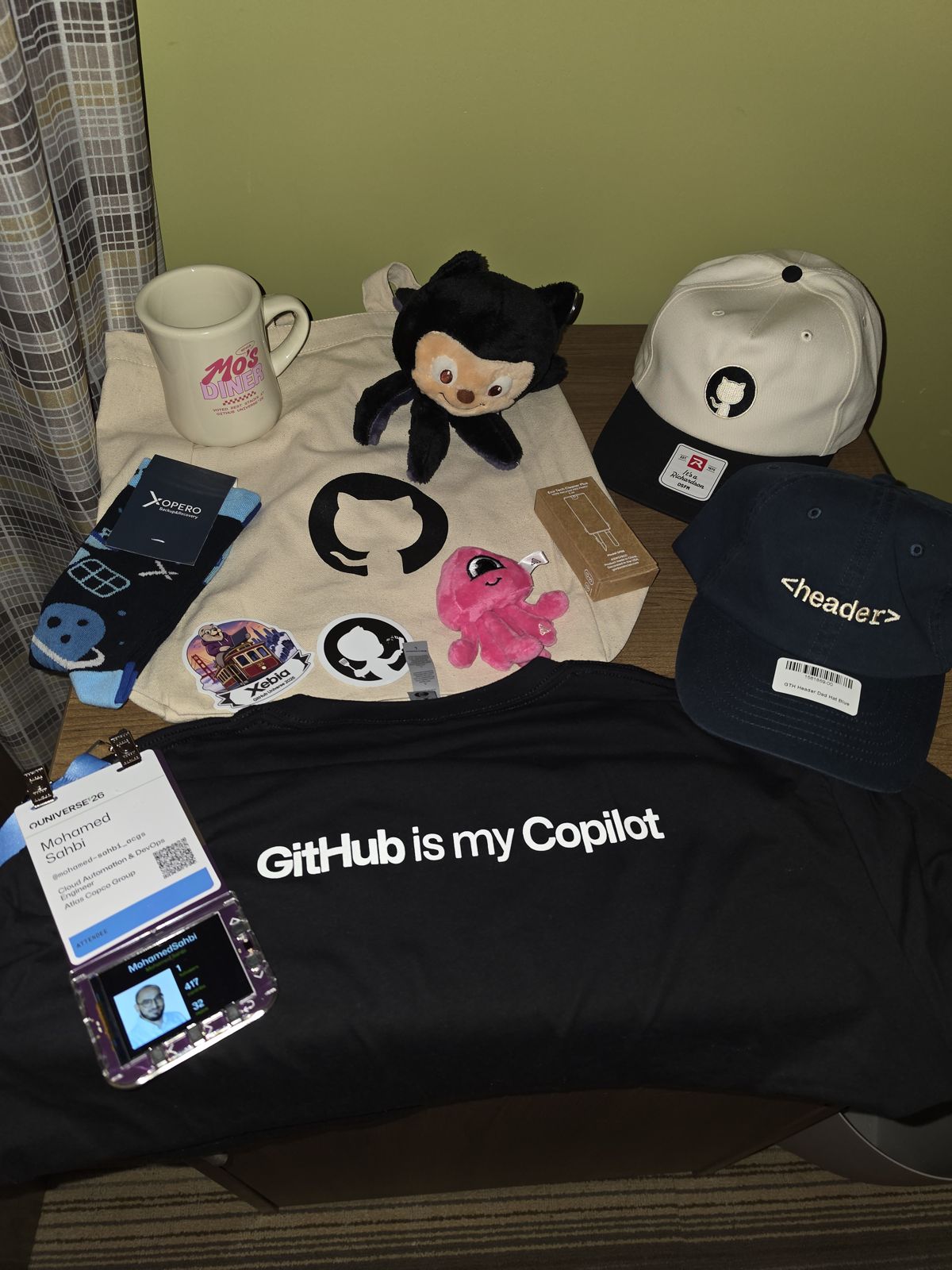
The closing keynote ended with a line I want to keep: “AI doesn’t write the story, you do.”