I let Claude move my blog from WordPress.com to Astro on GitHub Pages
This blog sat untouched on WordPress.com from March 2021 until this morning. I was paying for a plan to host a site I wasn’t updating, and I had a few hours before flying to GitHub Universe.
So I handed the whole job to Claude. To be clear: Claude did the work. It audited the old site, built the new one, migrated the posts, wrote the deploy workflow, switched the DNS and drafted this post. My part was the starting prompt, a few decisions along the way (GitHub Pages, then Astro, what to share about me and what not), and reviewing screenshots before anything was pushed.
This is the prompt I started with, typos included:
I have my website mohamedsahbi.com that is hosted in wordpress. It is outdated, I want to update the theme and stuff or moved to github pages. You are a pro. I have few hours before flying to San francisco for GitHub unvierse tomorrow and would love to have quick fix and refresh. Also you can visit my github profile github.com/mohamedsahbi. I want to create new blog posts and I can attach few scripts that are useful if you want to inspire for additional blog posts, no fiction, just my work.
After that, I mostly answered questions, uploaded the WordPress export, my LinkedIn profile and a photo, and said “push” when I liked what I saw. Here’s what Claude did.
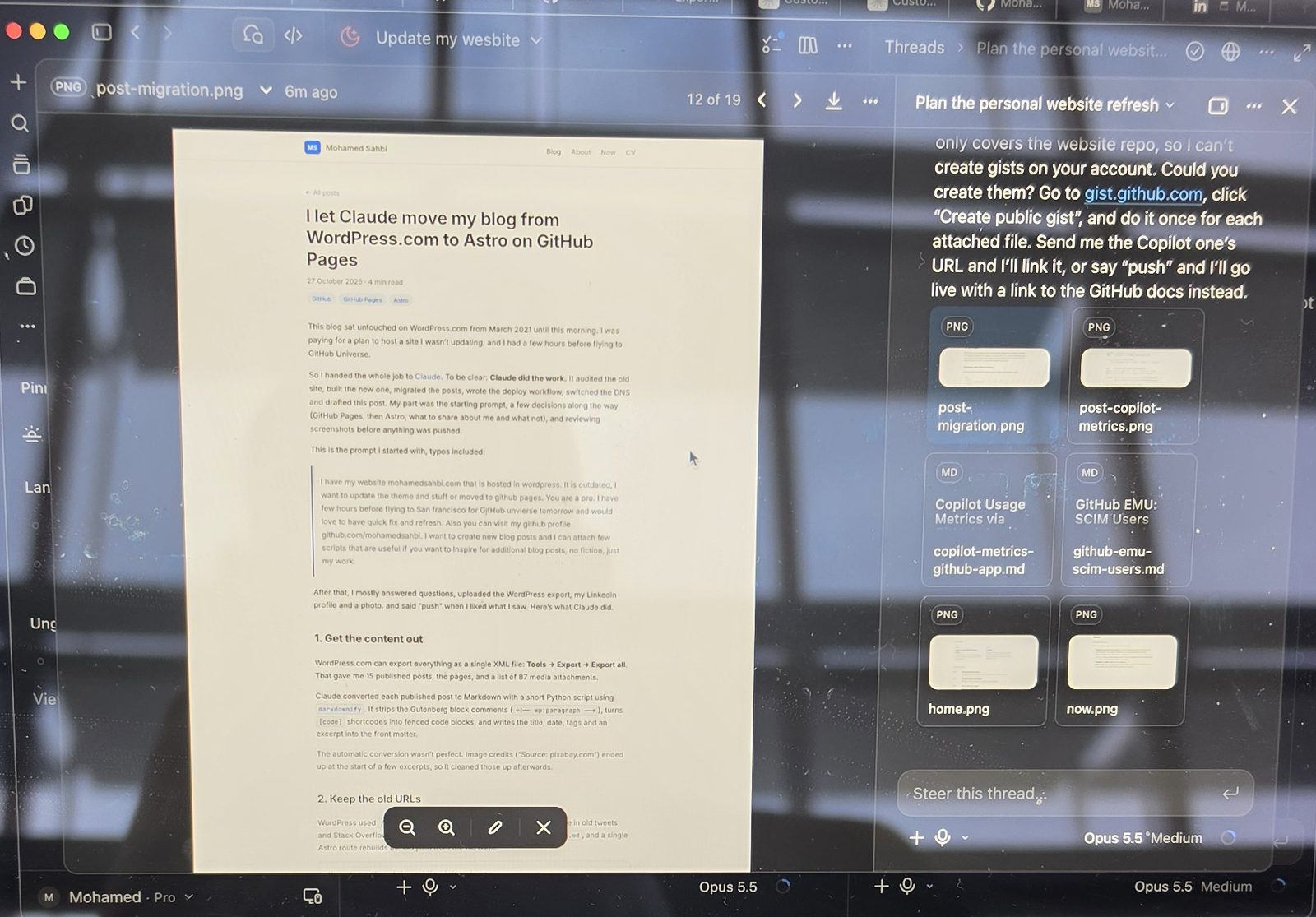 Reviewing this post in the Claude app before it went live.
1. Get the content out
WordPress.com can export everything as a single XML file: Tools → Export → Export all. That gave me 15 published posts, the pages, and a list of 87 media attachments.
Claude converted each published post to Markdown with a short Python script using markdownify. It strips the Gutenberg block comments (<!-- wp:paragraph -->), turns [code] shortcodes into fenced code blocks, and writes the title, date, tags and an excerpt into the front matter.
The automatic conversion wasn’t perfect. Image credits (“Source: pixabay.com”) ended up at the start of a few excerpts, so it cleaned those up afterwards.
2. Keep the old URLs
WordPress used /YYYY/MM/DD/slug/ URLs, and those links are out there in old tweets and Stack Overflow answers. Every post file is named YYYY-MM-DD-slug.md, and a single Astro route rebuilds the old path from the file name:
// src/pages/[year]/[month]/[day]/[slug].astro
export async function getStaticPaths() {
  const posts = await getPosts();
  return posts.map((post) => {
    const { year, month, day, slug } = postPath(post);
    return { params: { year, month, day, slug }, props: { post } };
  });
}
The old /posts/ page now redirects to /blog/. The RSS feed moved from /feed/ to /feed.xml.
3. Pick a stack
Claude’s first version used Jekyll, because it’s what GitHub Pages builds by default. It worked, but I wanted something more modern, so it rebuilt the site with Astro: content collections for the posts, Shiki for code highlighting with light and dark themes, plus a sitemap and RSS. It’s plain HTML and CSS, with no JavaScript shipped to the browser.
4. Deploy with GitHub Actions
A short workflow builds the site and deploys it to Pages on every push to main:
jobs:
  build:
    runs-on: ubuntu-latest
    steps:
      - uses: actions/checkout@v4
      - uses: actions/setup-node@v4
        with:
          node-version: 24
          cache: npm
      - run: npm ci
      - run: npm run build
      - uses: actions/upload-pages-artifact@v3
        with:
          path: dist
  deploy:
    needs: build
    runs-on: ubuntu-latest
    environment:
      name: github-pages
    steps:
      - uses: actions/deploy-pages@v4
5. Switch the domain
The domain is registered at WordPress.com, so DNS stays there. Through the WordPress.com connector, Claude replaced the default apex A records with GitHub Pages’ four IPv4 and four IPv6 addresses, pointed www at mohamedsahbi.github.io, and I set the custom domain in the repository’s Pages settings. Mail records stayed untouched.
What didn’t go smoothly
username.github.iorepositories go live on their own. GitHub turns on Pages with the classic Jekyll build as soon as you push to that repository. Claude pushed a first draft before I’d reviewed it, and it was public on github.io right away. After that, the rule was screenshots first, push second. Set the Pages source to GitHub Actions before your first push if you want to stay in control.- Check the Node version. The first deploy failed at the build step. The current Astro major needs Node 22.22 or newer, and the action Claude started with ran an older Node. Calling
setup-nodewith Node 24 explicitly fixed it. - Two builds at once. Until the Pages source is switched to Actions, the classic Jekyll build keeps running next to your workflow and fails on every push, because there’s no Jekyll site anymore.
- Images still live on WordPress. The old posts’ images are served from WordPress.com’s file CDN. They have to move into the repository before I cancel the WordPress plan.
What’s next
The point of all this was to write again, and to share what I build. Next up: practical notes from running GitHub Copilot and Azure DevOps at enterprise scale, starting with pulling Copilot usage metrics with a GitHub App instead of a personal access token. I’m also open-sourcing what I build at work: a GitHub Copilot enterprise usage metrics portal and an AI toolkit of reusable skills and prompts.